
Get Your AI Budget Tracker Generator for Monthly Budget Needs
Upload an existing XLSX file. Get an AI budget tracker generator that creates the next version while preserving formulas, workbook logic, and reporting layout.
What this Budget tracker generator creates
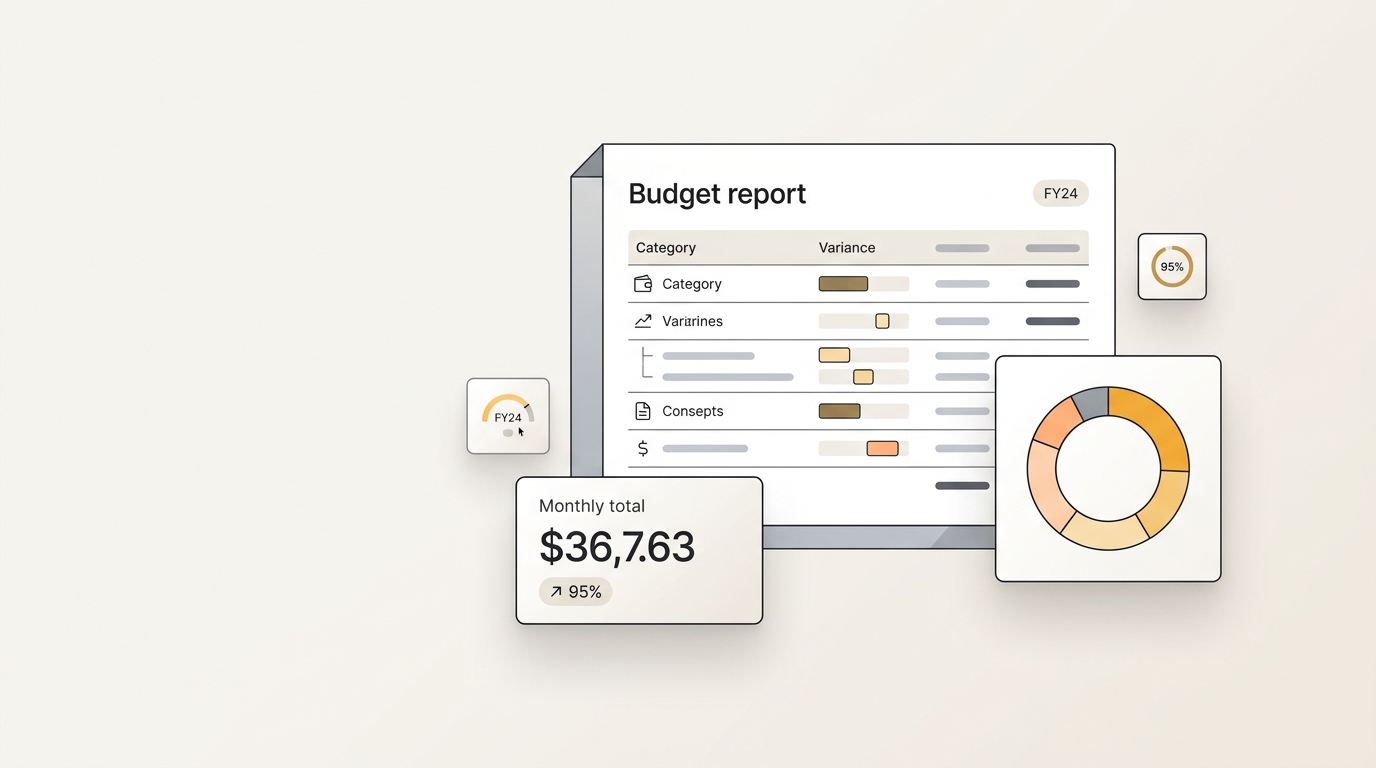
- Recurring budget categories and subcategory rollups.
- Variance, forecast, and total-spend formulas.
- Charts and summaries for monthly review.
- Formatting that makes budget owners easy to compare.
What the generator preserves from your reference file
Upload a working budget tracker from a previous month, quarter, or project.
What you can change in each generated version
- The month, departments, cost centers, and owners.
- Budget limits, actual spend, and forecast assumptions.
- Summary notes for finance, operations, or leadership.
Example budget tracker generator scenarios
- Teams refreshing monthly spend dashboards.
- Project owners tracking budget versus actuals.
- Finance teams cloning budget logic for new departments.
Manual Budget tracker workflows are slow because structure keeps drifting
A strong budget tracker is not just a block of generated text. It is a repeatable workflow with structure, formatting, decision logic, and a familiar review path. The hard part is keeping that consistency when the next version needs new inputs, a new audience, or a new reporting period.
WriteAsMe solves this by starting from the finished file you already trust. Instead of asking a chat model to invent a generic budget tracker, it uses your reference file as the operating pattern, then generates the next version with repeatable structure and controlled changes.
Formula drift across copied workbooks
Copying last period's spreadsheet by hand makes it easy to break cell references, overwrite assumptions, or leave one hidden calculation pointing at stale data.
Manual data entry slows every cycle
Teams spend time pasting exports, checking totals, and reconciling tabs before they can explain what changed or make a decision.
Charts and summaries lose consistency
When ranges, labels, and commentary are rebuilt manually, the finished file can look familiar while telling the story in a different structure.
How WriteAsMe understands this spreadsheet workflow
WriteAsMe reads the budget tracker as a repeatable spreadsheet workflow, not as loose rows of data. It follows worksheet order, section labels, formulas, chart intent, visual grouping, and the relationship between inputs and outputs. When you provide new values for the month, departments, cost centers, and owners., the generated version keeps the workbook structure and updates the parts that should change.
Who uses this repeatable workflow?
Finance and revenue teams
Analysts who maintain models, forecasts, calculators, or trackers can reuse calculation logic while changing assumptions for a new period or scenario.
Founders and operators
Operators can preserve trusted spreadsheet structure for planning, pricing, and budgeting without rebuilding formulas from scratch.
Sales and business teams
Commercial teams can generate consistent calculators and forecasts for new deals, territories, or product lines.
Step-by-Step Implementation Guide for Budget tracker
Use this workflow when the goal is consistency, not a one-off draft. The setup below keeps workbook structure, formulas, assumptions, and output views aligned from one version to the next.
Upload the strongest finished example
Upload a working budget tracker from a previous month, quarter, or project. The reference should show the exact structure, formatting, and level of detail you want WriteAsMe to replicate.
Identify what must remain stable
Mark the parts that define the workflow: Recurring budget categories and subcategory rollups. Variance, forecast, and total-spend formulas. Charts and summaries for monthly review. Formatting that makes budget owners easy to compare. These become the reusable structure for future generations.
Provide the new inputs in one clear prompt
Change the variables that belong to this run, including The month, departments, cost centers, and owners. Budget limits, actual spend, and forecast assumptions. Summary notes for finance, operations, or leadership. This keeps the prompt focused on controlled updates instead of rebuilding the file.
Review, save, and reuse the workflow
Check the generated budget tracker for accuracy, then keep the workflow as the repeatable version for the next cycle, client, role, or scenario.
Industry Best Practices for Consistent Budget tracker Generation
- Separate raw inputs from calculated outputs before uploading the reference workbook so future versions can preserve logic and change only the intended assumptions.
- Upload editable XLSX files whenever formulas, chart ranges, or workbook tabs matter.
- Keep source data in clearly labeled tables so the workflow can separate inputs from outputs.
This is for repeatable work, not one-off drafting.
A normal AI chat can draft a generic budget tracker. WriteAsMe starts from your own finished file, then preserves the structure, formatting, formulas, charts, section logic, and writing pattern that made it useful.
That means the next version does not begin with re-explaining the template. You upload a trusted example once, change the inputs, and generate a document that follows the same workflow.
FAQ
Do I need a perfect budget tracker to start?
No. A clear finished example is enough. Editable Office files work best when you want to preserve formulas, charts, layouts, or section structure.
Can I change the output after generation?
Yes. You can adjust the prompt, change the inputs, or regenerate a new version from the same workflow.
Will my uploaded files train shared AI models?
No. Your files are used to create and run your own reusable workflow. They are not used to train shared models for other customers.
Related use cases
Create a reusable pricing calculator from an existing sheet while keeping formulas, input fields, and output logic consistent.
Create a new model from an existing spreadsheet while preserving assumptions, formulas, tables, and output views.
Turn an existing forecast sheet into a new version with the same revenue logic, assumptions, formulas, and scenario views.
Make your next budget tracker repeatable.
Upload one finished file, turn it into a reusable workflow, and generate the next version with your structure intact.