
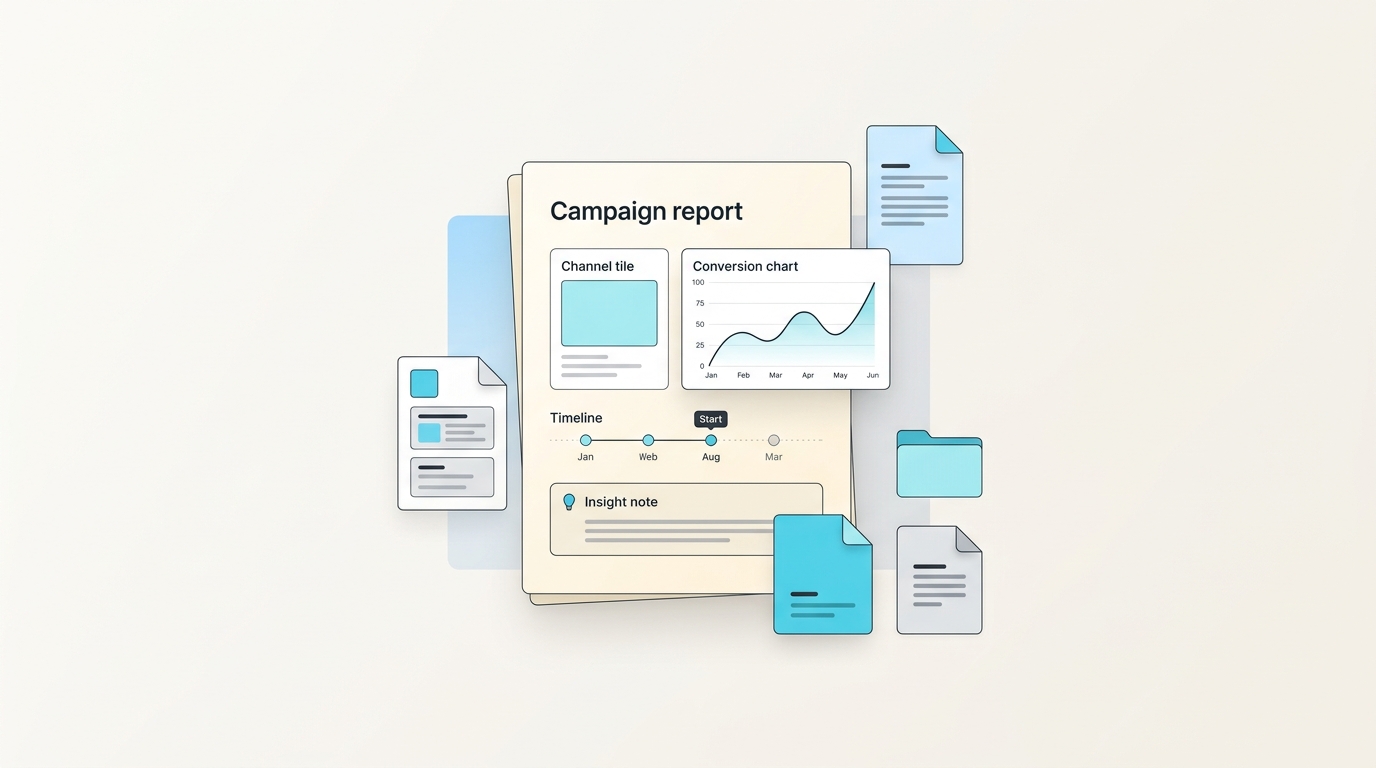
Generador de informe de campaña con IA
Sube un ejemplo confiable y crea una nueva versión de informe de campaña con la misma estructura, lógica y estilo.
Generador de informe de campaña con IA
- Misma estructura y orden de secciones que el archivo de referencia: informe de campaña.
- Formato, tablas, gráficos, fórmulas o patrones narrativos que hacen útil el archivo.
- Redacción y estándares de entrega para cada audiencia.
- Flujo de revisión para el próximo ciclo, cliente, rol o periodo.
Lo que el generador conserva del archivo de referencia
Sube un archivo terminado de informe de campaña que represente el estándar que quieres repetir.
Lo que puedes cambiar en cada versión generada
- Nuevas entradas, datos, audiencia y periodo.
- Secciones que deben permanecer estables entre versiones.
- Tono y nivel de detalle para la próxima audiencia.
Informe de campaña casos de uso
- Equipos que crean informe de campaña de forma recurrente.
- Operadores que adaptan un formato confiable de Informes.
- Profesionales que mantienen la calidad de entrega consistente.
Reutiliza un flujo probado de Informes para crear una nueva versión de informe de campaña sin reconstruir el formato.
Sube un ejemplo confiable y crea una nueva versión de informe de campaña con la misma estructura, lógica y estilo.
Reutiliza un flujo probado de Informes para crear una nueva versión de informe de campaña sin reconstruir el formato.
Misma estructura y orden de secciones que el archivo de referencia: informe de campaña.
Misma estructura y orden de secciones que el archivo de referencia: informe de campaña.
Formato, tablas, gráficos, fórmulas o patrones narrativos que hacen útil el archivo.
Formato, tablas, gráficos, fórmulas o patrones narrativos que hacen útil el archivo.
Redacción y estándares de entrega para cada audiencia.
Redacción y estándares de entrega para cada audiencia.
Generador de informe de campaña con IA
Reutiliza un flujo probado de Informes para crear una nueva versión de informe de campaña sin reconstruir el formato.
Quién usa este flujo repetible
Equipos que crean informe de campaña de forma recurrente.
Equipos que crean informe de campaña de forma recurrente.
Operadores que adaptan un formato confiable de Informes.
Operadores que adaptan un formato confiable de Informes.
Profesionales que mantienen la calidad de entrega consistente.
Profesionales que mantienen la calidad de entrega consistente.
Generador de informe de campaña con IA
Sube un ejemplo confiable y crea una nueva versión de informe de campaña con la misma estructura, lógica y estilo.
Sube un archivo terminado de informe de campaña que represente el estándar que quieres repetir.
Sube un archivo terminado de informe de campaña que represente el estándar que quieres repetir.
Secciones que deben permanecer estables entre versiones.
Secciones que deben permanecer estables entre versiones.
Nuevas entradas, datos, audiencia y periodo.
Nuevas entradas, datos, audiencia y periodo.
Tono y nivel de detalle para la próxima audiencia.
Tono y nivel de detalle para la próxima audiencia.
Generador de informe de campaña con IA
- Misma estructura y orden de secciones que el archivo de referencia: informe de campaña.
- Formato, tablas, gráficos, fórmulas o patrones narrativos que hacen útil el archivo.
- Redacción y estándares de entrega para cada audiencia.
Esto es para trabajo repetible, no para borradores únicos.
Un chat de IA normal puede redactar un Informe de campaña genérico. WriteAsMe empieza desde tu archivo terminado y conserva estructura, formato, fórmulas, gráficos, lógica de secciones y estilo.
La siguiente versión no empieza explicando la plantilla otra vez. Subes un ejemplo confiable, cambias las entradas y generas un documento con el mismo flujo.
FAQ
¿Necesito un Informe de campaña perfecto para empezar?
No. Un ejemplo terminado y claro es suficiente. Los archivos Office editables funcionan mejor si quieres conservar fórmulas, gráficos, diseños o estructura.
¿Puedo cambiar el resultado después de generarlo?
Sí. Puedes ajustar el prompt, cambiar entradas o regenerar una nueva versión desde el mismo flujo.
¿Mis archivos entrenan modelos de IA compartidos?
No. Tus archivos se usan para crear y ejecutar tu propio flujo reutilizable, no para entrenar modelos compartidos.
Casos de uso relacionados
Reutiliza un flujo probado de Informes para crear una nueva versión de informe de rendimiento de campaña sin reconstruir el formato.
Reutiliza un flujo probado de Informes para crear una nueva versión de informe de operaciones sin reconstruir el formato.
Reutiliza un flujo probado de Informes para crear una nueva versión de revisión mensual del negocio sin reconstruir el formato.
Haz repetible tu próximo Informe de campaña.
Sube un archivo terminado, conviértelo en un flujo reutilizable y genera la siguiente versión con la estructura intacta.