
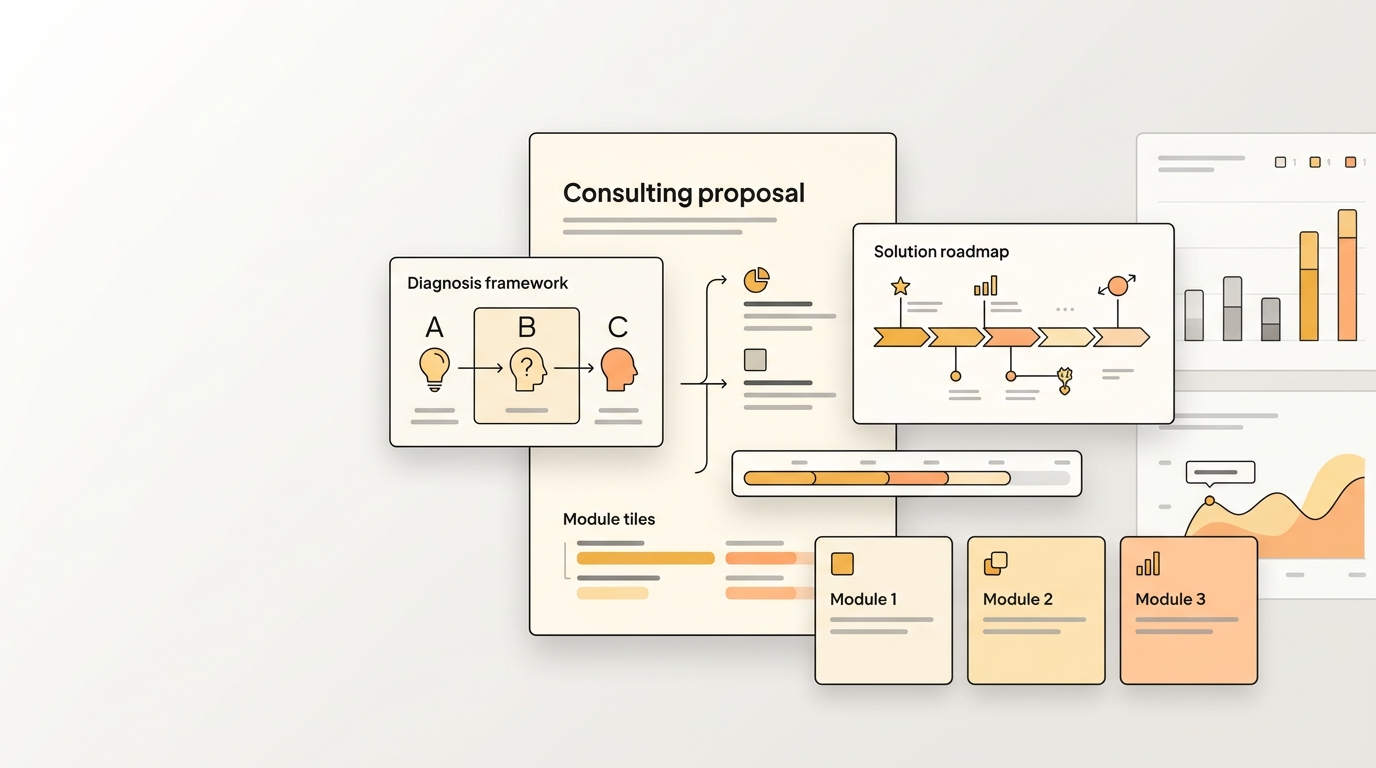
Get Your AI Consulting Proposal Generator for Client Discovery Needs
Upload an existing DOCX or PDF file. Get an AI consulting proposal generator that creates the next version while preserving content structure, tables, formatting, and writing style.
What this Consulting proposal generator creates
- Diagnosis, opportunity, solution, and engagement structure.
- Phased timeline, deliverables, and pricing approach.
- Credibility proof, assumptions, and client responsibilities.
- Consulting-style tone and executive framing.
What the generator preserves from your reference file
Upload a consulting proposal that clearly shows your engagement model and pricing structure.
What you can change in each generated version
- Client problem, industry context, and desired outcomes.
- Engagement phases, deliverables, fees, and timeline.
- Positioning for strategy, operations, growth, or technology work.
Example consulting proposal generator scenarios
- Independent consultants reusing a high-converting proposal.
- Boutique firms tailoring diagnosis and solution language.
- Advisors creating polished proposal drafts after discovery.
Manual Consulting proposal workflows are slow because structure keeps drifting
A strong consulting proposal is not just a block of generated text. It is a repeatable workflow with structure, formatting, decision logic, and a familiar review path. The hard part is keeping that consistency when the next version needs new inputs, a new audience, or a new reporting period.
WriteAsMe solves this by starting from the finished file you already trust. Instead of asking a chat model to invent a generic consulting proposal, it uses your reference file as the operating pattern, then generates the next version with repeatable structure and controlled changes.
Document structure changes with each author
When a report or proposal is rebuilt from memory, headings, table placement, proof sections, and decision logic start to vary from version to version.
Formatting cleanup becomes a hidden project
Manual copy-and-paste work introduces broken spacing, inconsistent bullets, mismatched tables, and review comments that are about polish instead of substance.
Context gets lost between examples and new inputs
Teams may have a strong reference document, but the next draft still requires explaining tone, audience, scope, and section purpose again.
How WriteAsMe understands this document workflow
WriteAsMe identifies the consulting proposal as a reusable document workflow. It follows heading hierarchy, section intent, table placement, recurring language patterns, and the relationship between evidence and recommendations. When you change client problem, industry context, and desired outcomes., the output keeps the same structure and professional finish while rewriting the content for the new situation.
Who uses this repeatable workflow?
Consultants and agencies
Service teams can reuse their strongest proposal structure while tailoring diagnosis, scope, pricing, and proof for each new client.
Sales teams
Commercial teams can move from discovery notes to a polished first proposal while keeping package logic and next steps consistent.
Internal project owners
Managers can build approval-ready proposals that repeat timeline, budget, and risk structure across initiatives.
Step-by-Step Implementation Guide for Consulting proposal
Use this workflow when the goal is consistency, not a one-off draft. The setup below keeps scope, pricing logic, proof, and buyer-ready structure aligned from one version to the next.
Upload the strongest finished example
Upload a consulting proposal that clearly shows your engagement model and pricing structure. The reference should show the exact structure, formatting, and level of detail you want WriteAsMe to replicate.
Identify what must remain stable
Mark the parts that define the workflow: Diagnosis, opportunity, solution, and engagement structure. Phased timeline, deliverables, and pricing approach. Credibility proof, assumptions, and client responsibilities. Consulting-style tone and executive framing. These become the reusable structure for future generations.
Provide the new inputs in one clear prompt
Change the variables that belong to this run, including Client problem, industry context, and desired outcomes. Engagement phases, deliverables, fees, and timeline. Positioning for strategy, operations, growth, or technology work. This keeps the prompt focused on controlled updates instead of rebuilding the file.
Review, save, and reuse the workflow
Check the generated consulting proposal for accuracy, then keep the workflow as the repeatable version for the next cycle, client, role, or scenario.
Industry Best Practices for Consistent Consulting proposal Generation
- Define non-negotiable sections such as scope, assumptions, pricing, and next steps before generating variants for different buyers or sponsors.
- Use the finished version your stakeholders already approved, not a partial draft.
- Keep tables, headings, and source notes in the file so the workflow can preserve structure instead of only tone.
This is for repeatable work, not one-off drafting.
A normal AI chat can draft a generic consulting proposal. WriteAsMe starts from your own finished file, then preserves the structure, formatting, formulas, charts, section logic, and writing pattern that made it useful.
That means the next version does not begin with re-explaining the template. You upload a trusted example once, change the inputs, and generate a document that follows the same workflow.
FAQ
Do I need a perfect consulting proposal to start?
No. A clear finished example is enough. Editable Office files work best when you want to preserve formulas, charts, layouts, or section structure.
Can I change the output after generation?
Yes. You can adjust the prompt, change the inputs, or regenerate a new version from the same workflow.
Will my uploaded files train shared AI models?
No. Your files are used to create and run your own reusable workflow. They are not used to train shared models for other customers.
Related use cases
Create new business proposals using the same opportunity framing, value narrative, plan, and commercial structure.
Create the next proposal from a polished example - with the same sections, pricing logic, tone, and formatting.
Reuse a successful project proposal for a new scope - keeping the same problem framing, timeline, deliverables, and budget structure.
Make your next consulting proposal repeatable.
Upload one finished file, turn it into a reusable workflow, and generate the next version with your structure intact.