
AI document format replication
Replicate Document Formatting From Existing Files
Reuse the structure, layout, tables, formulas, charts, and formatting of files your team already trusts, then generate a new document with updated inputs.
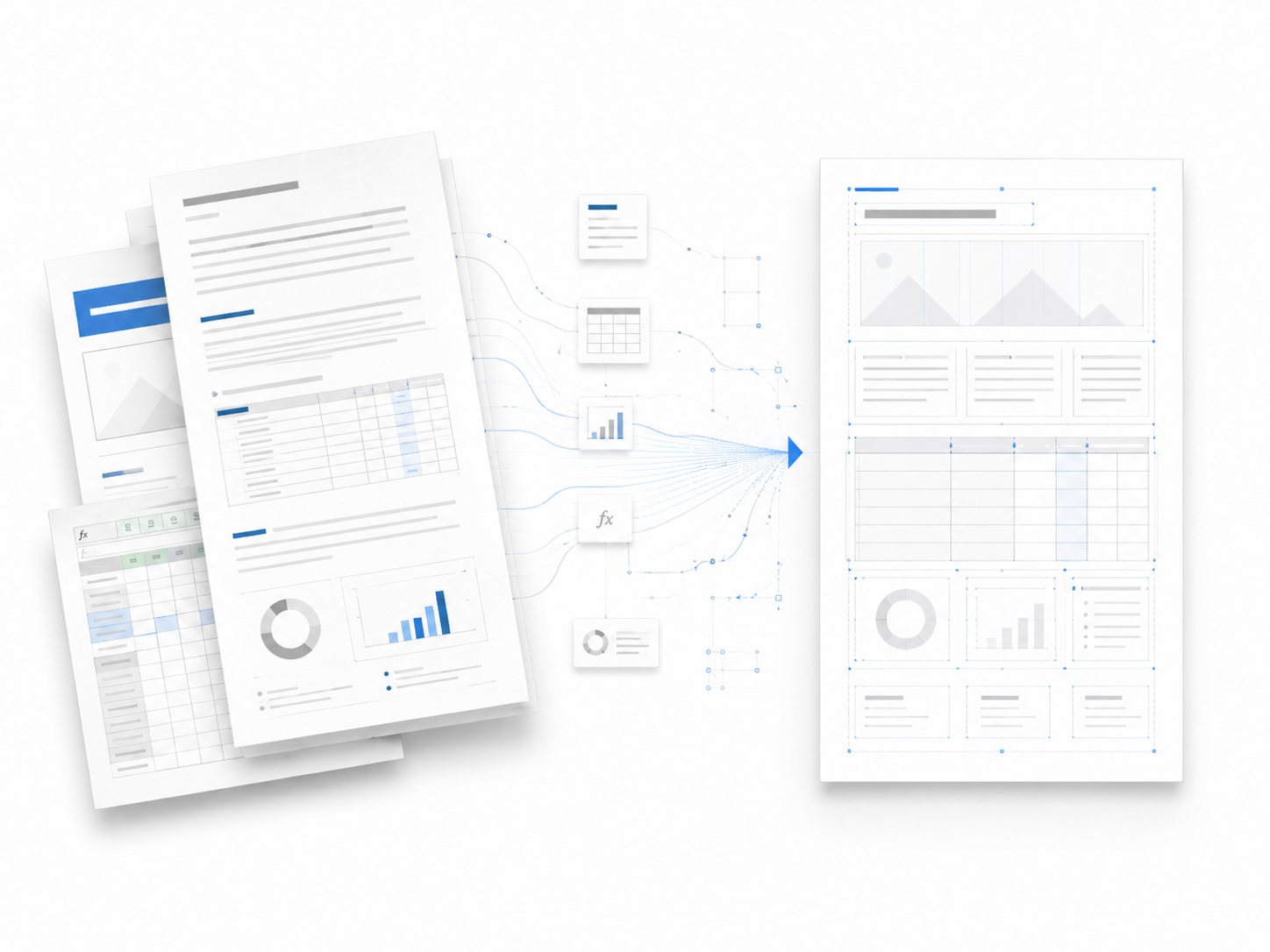
Use this when the format is the hard part
Format replication is most valuable when the old file already has a useful structure that should survive into the next proposal, report, model, or deck.
Best fit
- You rebuild the same document structure every week or month.
- Tables, formulas, charts, or slide flow are part of the deliverable.
- The source file is editable or visually clear enough to learn from.
Review carefully when
- The source is a blurry scan with no editable structure.
- You need pixel-perfect legal or financial formatting without review.
- You want a new design system rather than reuse an existing format.
What gets preserved and what changes
A new document still needs new content. The useful part is that the old format becomes the reusable scaffold instead of a file you manually copy and clean up.
How format replication works
Instead of creating a blank template, use a finished file as the reference and generate the next version with new data or context.
- 01
Upload the reference format
Upload the finished file that already has the structure and formatting you trust.
- 02
Extract the reusable pattern
WriteAsMe reads section flow, layout, tables, formulas, charts, and formatting cues.
- 03
Generate the next version
Add new inputs and generate a fresh document that follows the same format.
常見問題
Can AI copy the format of an existing document?+
WriteAsMe can reuse the structure, layout, tables, formulas, charts, and formatting patterns from an existing file when the source has clear reusable signals.
Does it work better with Word, Excel, PowerPoint, or PDF?+
Editable DOCX, XLSX, and PPTX files usually preserve structure better. PDFs can work as references, but scanned or image-heavy PDFs are less reliable for editable formatting.
Can it preserve spreadsheet formulas?+
Yes, suitable XLSX examples can carry formula logic, table structure, chart placement, and workbook conventions into a new version.
Will the new document be perfect automatically?+
Complex tables, formulas, and layouts should still be reviewed. The goal is to start from a much closer draft instead of rebuilding the format by hand.
從你的最佳範例產生下一份文件。
上傳一份完成稿,讓 WriteAsMe 重用其中真正有價值的結構、格式和寫作模式。